System Intelligence for Blackboard Integration Contact Us

System Intelligence for Blackboard Integration

Connect System Intelligence with Blackboard to streamline enrollment operations and improve decision-making.

Salesforce Feature
WGU
NU
CSU
UMGC
CUNY
WGU
NU
CSU
UMGC
CUNY
 

Benefits of System Intelligence on Blackboard

Accelerate workflows, ensure data reliability, and implement secure automation throughout Blackboard.

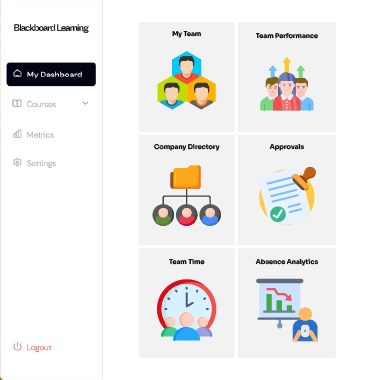
Unified Student Profiles

Holistic Student Insight

Holistic Student Insight

Access enrollment details and student records together, without switching systems.

Stronger Conversion Insights

Automated Academic Workflows

Automated Academic Workflows

Drive efficiency by automatically triggering updates, alerts, and actions across connected platforms.

Reduced Manual Workload

Operational Transparency & Control

Operational Transparency & Control

Monitor data flows and system actions to ensure reliability, compliance, and audit readiness..

See How it Works

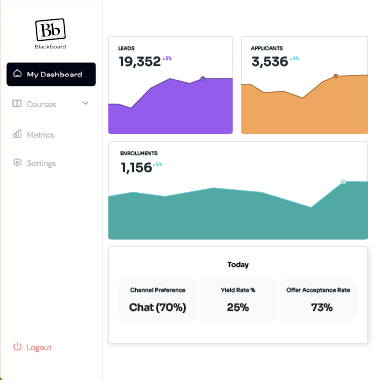
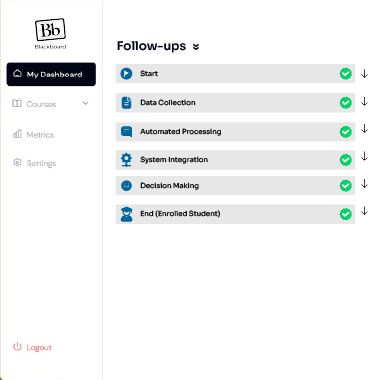
Link Blackboard with System Intelligence to enable secure data exchange and intelligent automation

01

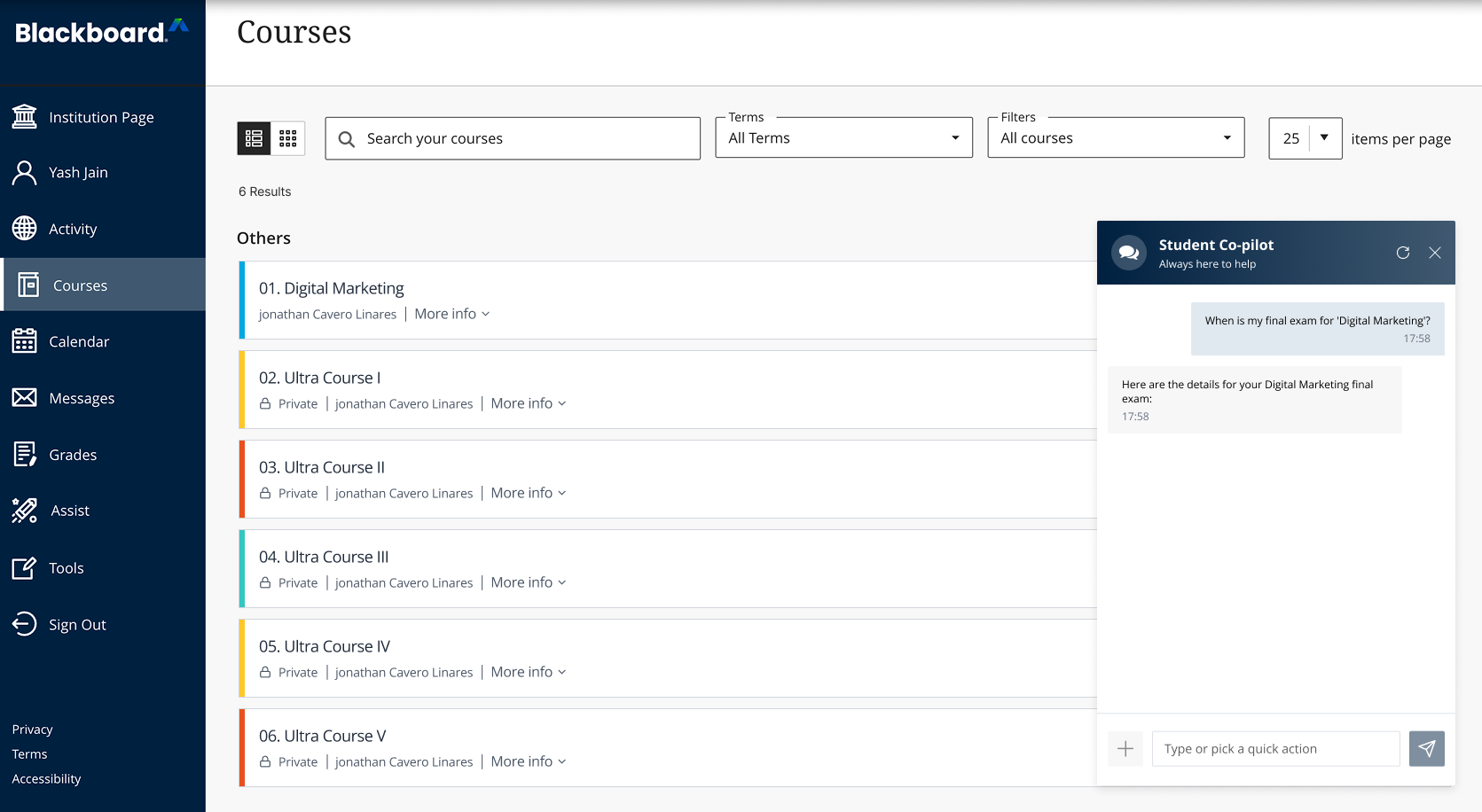
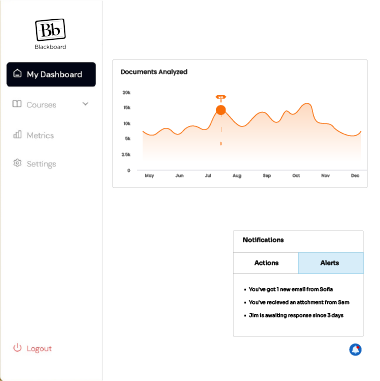
Go to Your Blackboard Student Portal

Log in to Blackboard to access your application details, documents, and enrollment information in one place.

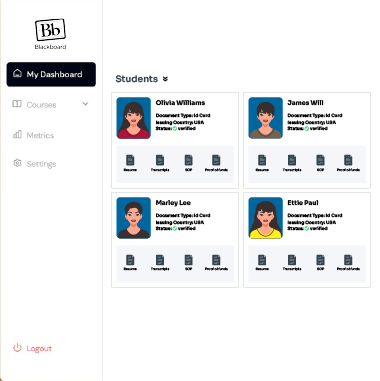
Connect Your Salesforce Account
Intiate Transcript Credit Evaluation
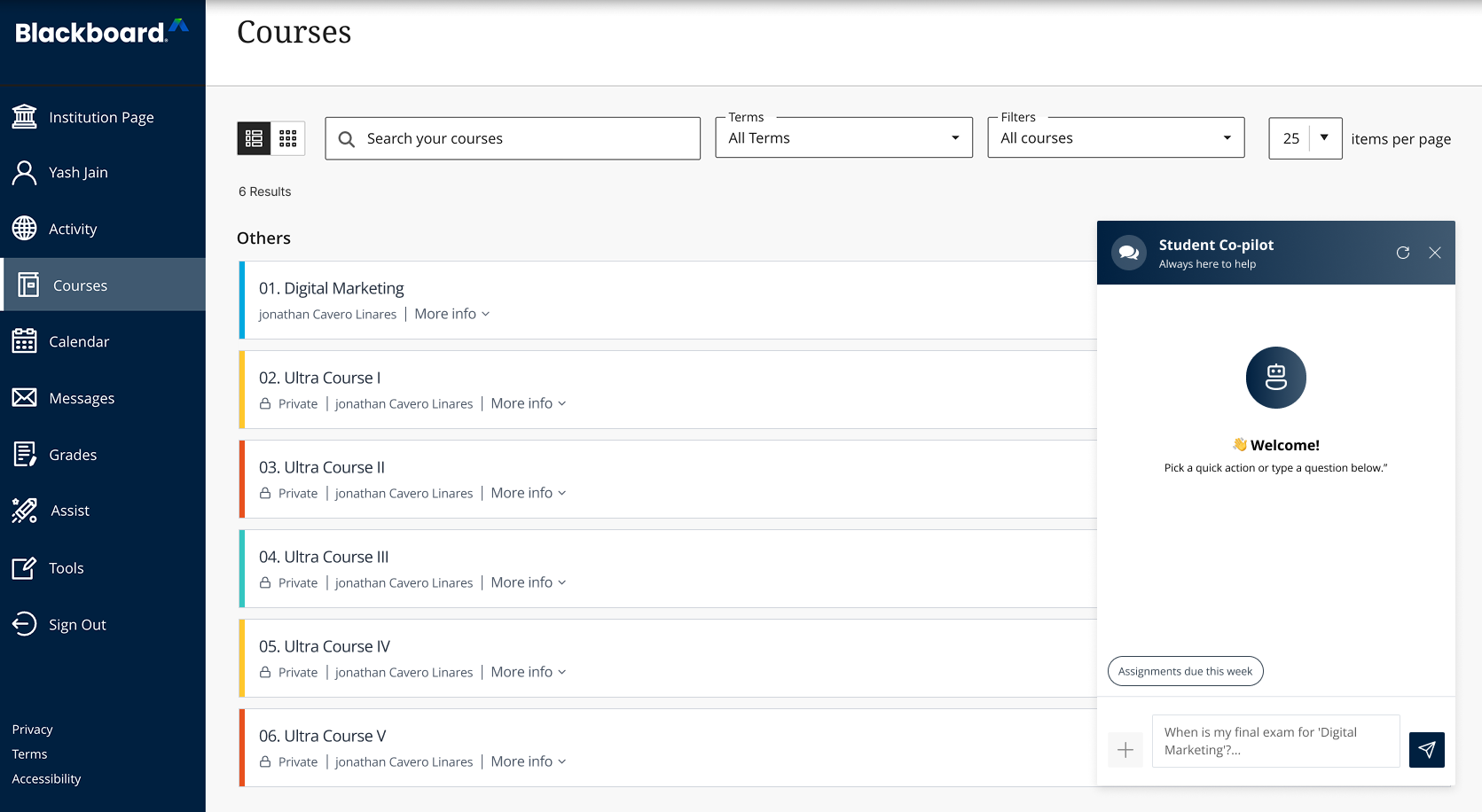
02

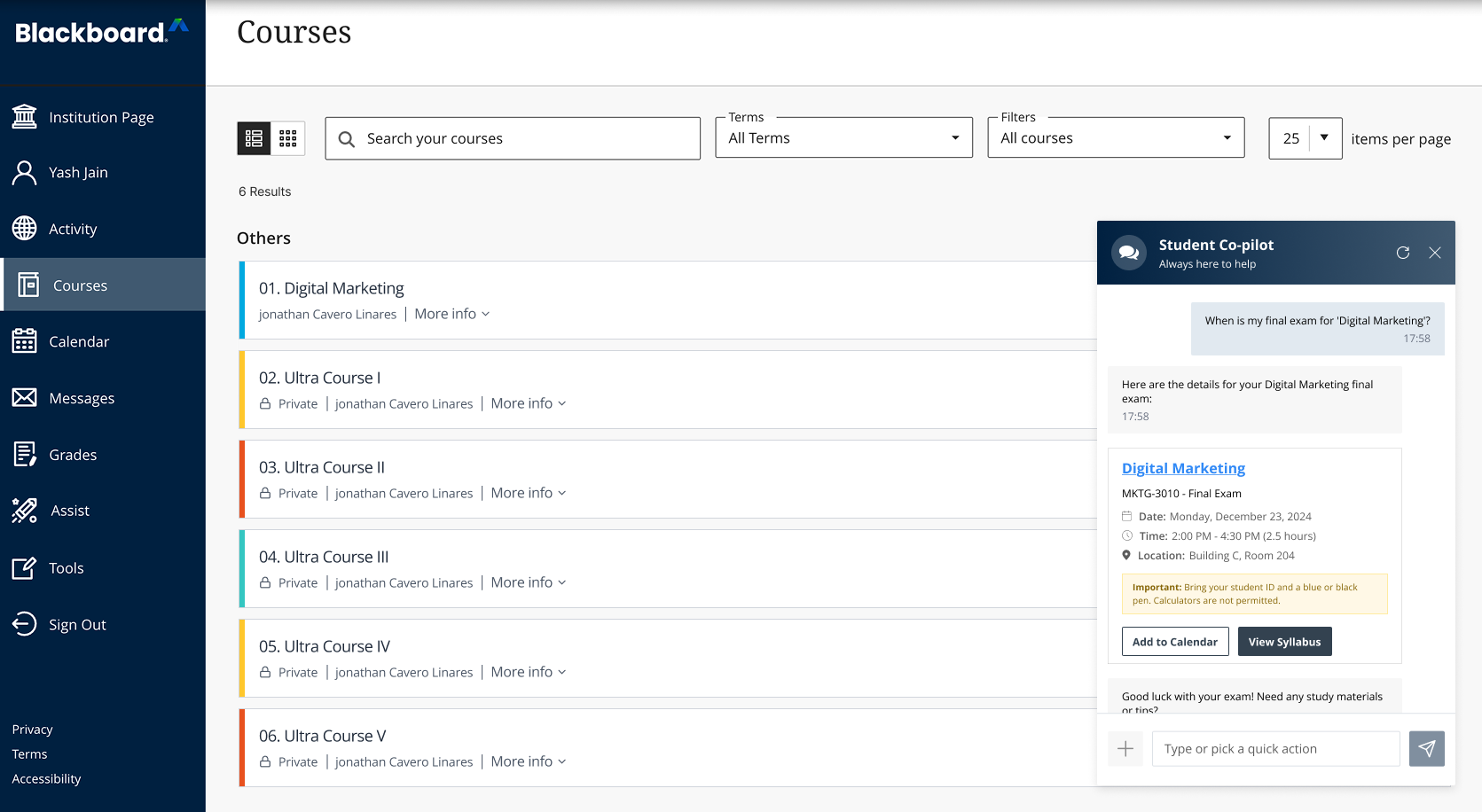
Click on the Student Copilot Icon

Open Student Copilot to get instant answers, step-by-step guidance, and reminders tailored to your application.

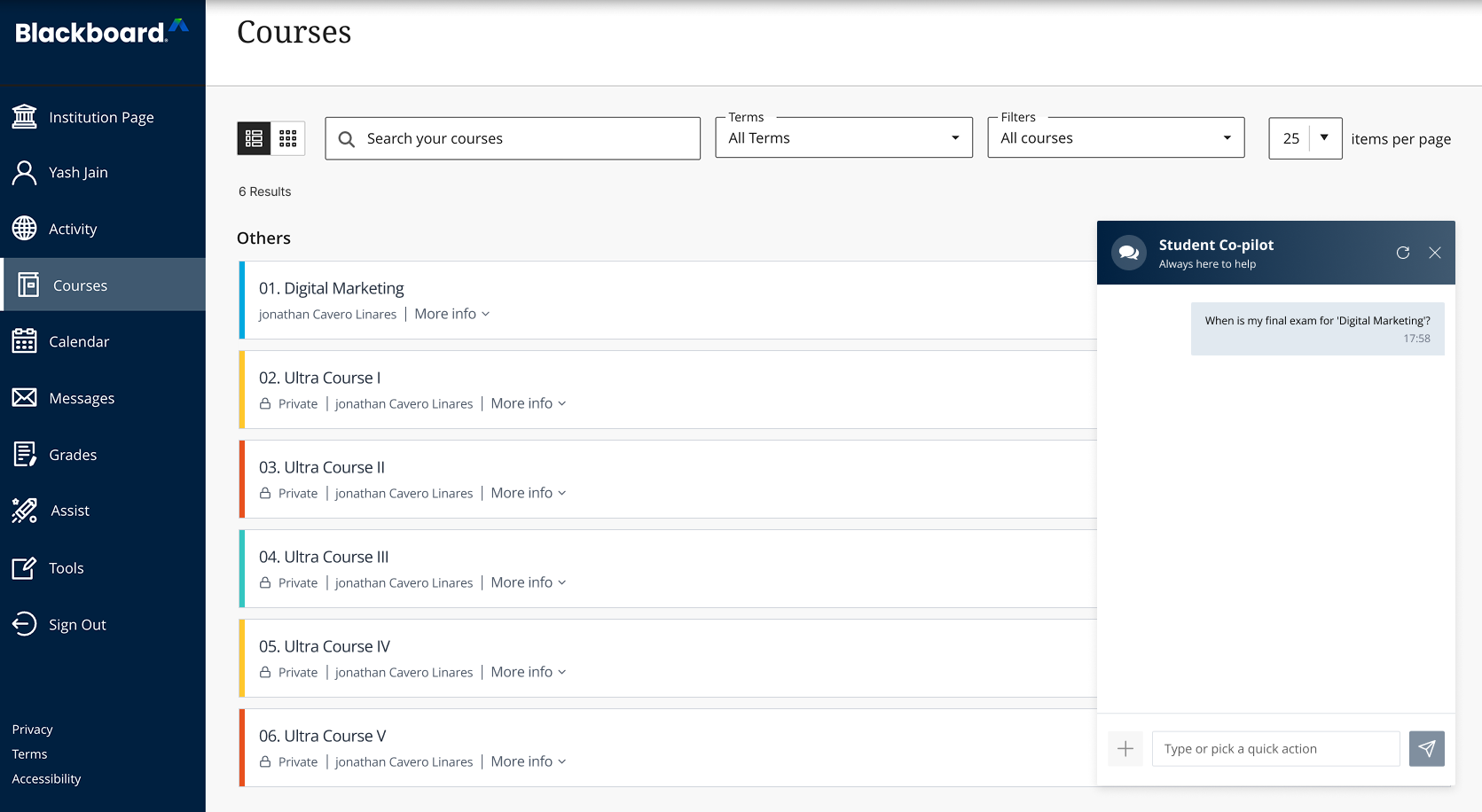
03

Ask Questions or Get Help

Chat with Student Copilot to understand requirements, deadlines, document uploads, or next steps at anytime, 24/7.

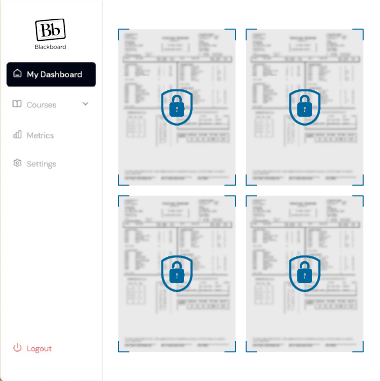
View Analysis
Send for Faculty Review
04

Check Your Application Status

Track your progress easily, including submitted documents, pending actions, and overall application status.


Integration Capabilities

Ensure smooth data flow, automation, and transparency throughout your entire Blackboard ecosystem.

Unified Student Profiles

Unified Application Visibility

Unified Application Visibility

View application statuses, documents, and updates across systems in one place.

Stronger Conversion Insights

Role-Based Access Control

Role-Based Access Control

Ensure users only see and act on what they’re authorized to access.

Reduced Manual Workload

System Change Monitoring

System Change Monitoring

Track configuration and data changes to prevent errors and maintain consistency.

Overlay GIF

Trusted by Institutions Worldwide

Hear how universities are streamlining admissions with our AI solutions

Explore other CRMs

Integrate EDMO’s SI with leading CRMs to maximize efficiency and insights

Upload-Transcripts

Salesforce

Optimizes admissions workflows on Salesforce.

AI-Extract

Element451

Enhances student engagement with data-driven insights.

Confident-Matching

PeopleSoft

Syncs student records and improves process efficiency.

Review-Results

Ellucian

Provides real-time data visibility across admissions.

AI-Extract

Workday

Automates tasks and tracks student lifecycle metrics.

AI-Extract

Canvas

Integrates learning data to support student success

Confident-Matching

Slate

Streamlines admissions workflows & operations.

Frequently Asked Questions

What capabilities does EDMO’s Blackboard integration provide for LMS automation?

EDMO’s Blackboard integration enables intelligent automation across admission workflows. It synchronizes academic data, triggers actions based on enrollment progress, and reduces manual coordination between systems. Institutions can automate alerts, updates, and cross-platform workflows while maintaining complete visibility into data movement, ensuring Blackboard operates as an integrated part of the broader student lifecycle ecosystem.

Which types of Blackboard data can EDMO sync across SIS, CRM, and other systems?

EDMO can sync a wide range of Blackboard data across SIS, CRM, and other connected systems, including application status updates, checklist completion, document syncing, communication triggers, and profile updates. This data is mapped into a unified student profile, allowing admissions, academic, and student success teams to access consistent, up-to-date information wherever it’s needed.

Can EDMO automate enrollment updates, user management, and grade synchronization in Blackboard?

Yes. EDMO supports automated changes to enrollment, user provisioning, role updates, and grade synchronization in Blackboard. These automations can be driven by admissions decisions, registration changes, or academic milestones. By removing manual updates, institutions reduce errors, improve timeliness, and ensure Blackboard accurately reflects each student’s current educational and enrollment status.

How does EDMO enhance data accuracy between Blackboard and other platforms?

EDMO ensures accuracy through controlled data mappings, validation rules, and real-time or scheduled syncs. Bi-directional updates keep changes consistent across Blackboard and connected systems. System Intelligence also provides monitoring, logs, and alerts, allowing teams to detect discrepancies early, resolve issues quickly, and maintain a reliable source of truth across platforms.

What benefits can institutions expect from EDMO + Blackboard integration?

Institutions can anticipate more efficient operations, enhanced data accuracy, and a decreased manual workload from the integration of EDMO and Blackboard. With this integration, teams will spend less time managing systems, while automated workflows enhance scalability, minimize delays, and facilitate earlier interventions. These improvements can have a positive impact on student retention and overall outcomes.

What is the onboarding process for implementing the EDMO–Blackboard integration?

Onboarding typically involves configuring secure API access, setting permissions, mapping Blackboard data to EDMO’s unified model, and defining automation rules. Institutions then validate data flows through testing before activating workflows. The integration is modular, allowing teams to start with core syncs and gradually expand automation based on institutional goals and readiness.

What criteria should institutions consider when selecting a Blackboard integration tool?

Institutions should evaluate data coverage, automation flexibility, scalability, security, and transparency. The right solution should support bi-directional syncs, configurable triggers, monitoring, and audit logs without disrupting the overall performance. It should also integrate seamlessly with SIS, CRM, and student success tools to ensure Blackboard data drives meaningful institutional outcomes.

Is the EDMO–Blackboard integration compatible with Blackboard Learn and Blackboard Ultra?

Yes. EDMO’s Blackboard integration supports both Blackboard Learn and Blackboard Ultra via standards-based APIs and secure authentication. This ensures consistent data exchange, automation, and monitoring across both environments while aligning with Blackboard’s integration guidelines and institutional IT governance requirements.

Revamp your Enrollment Process

EDMO integrates with any CRM, streamlining your admissions process instantly